
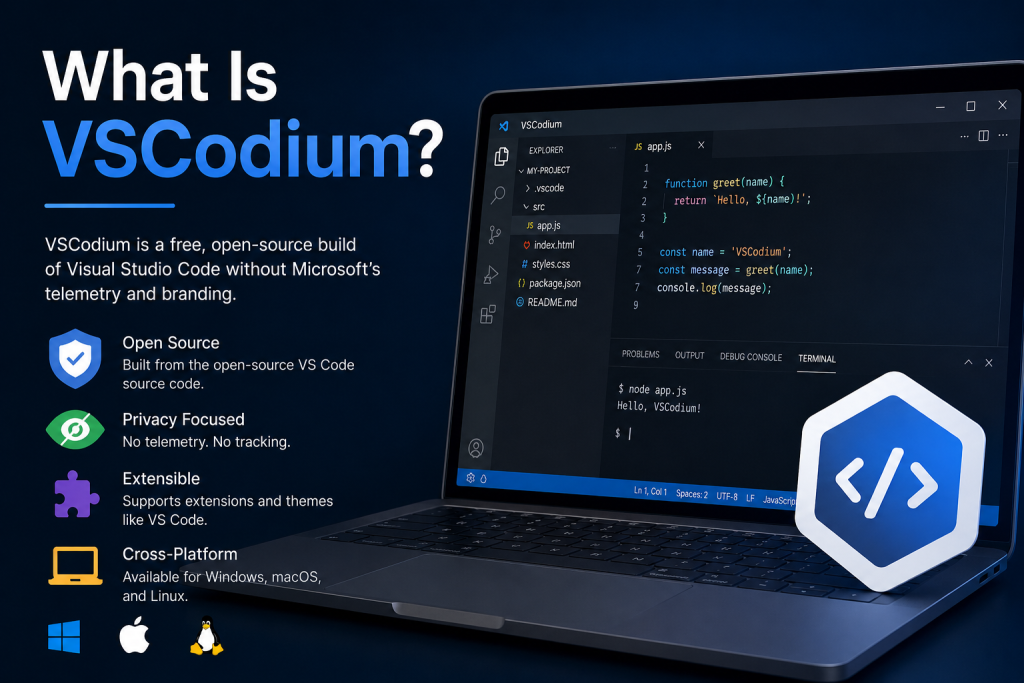
VSCodium is a free and open-source code editor built from the same source code as Microsoft’s Visual Studio Code. It offers developers a familiar coding environment while removing Microsoft’s proprietary branding, telemetry, and tracking features. As a result, VSCodium has become a popular choice among programmers who value privacy, transparency, and open-source software principles.
It supports a wide range of programming languages, extensions, and development tools, making it suitable for beginners and experienced developers alike. Whether you’re building websites, applications, or software projects, VSCodium provides a powerful, customizable, and privacy-focused coding experience.
Understanding VSCodium
VSCodium is a community-driven, open-source distribution of the Visual Studio Code source code. Since Microsoft’s Visual Studio Code project is released under the MIT License, anyone can access the source code, modify it, and distribute their own version.
VSCodium takes the publicly available source code from Visual Studio Code and compiles it without Microsoft’s proprietary customizations, branding, and telemetry components. The result is a code editor that looks and functions very similarly to VS Code but aligns more closely with open-source principles.
For developers who value privacy and transparency, VSCodium offers a compelling alternative.
Why Was VSCodium Created?
Many developers appreciate Visual Studio Code for its speed, flexibility, and extensive extension ecosystem. However, some users were concerned about the telemetry features included in Microsoft’s official builds.
Although Microsoft provides information about the data it collects, some developers prefer software that does not include telemetry by default. VSCodium was created to address this concern by providing a version of VS Code that removes telemetry and proprietary elements while retaining the core functionality developers love.
The project aims to provide binaries that are built directly from the open-source source code, ensuring a more transparent and community-focused experience.
Key Features of VSCodium
One reason VSCodium has gained popularity is that it retains nearly all the features that make Visual Studio Code one of the world’s most widely used code editors.
Open-Source Foundation
VSCodium is based entirely on the open-source VS Code repository. This means users can inspect the code, contribute improvements, and verify how the software works.
No Microsoft Telemetry
One of VSCodium’s most notable features is the removal of Microsoft’s telemetry tracking. Developers who prioritize privacy often choose VSCodium for this reason.
Cross-Platform Compatibility
VSCodium works on multiple operating systems, including:
- Windows
- macOS
- Linux
This allows developers to maintain a consistent coding environment regardless of their preferred platform.
Extension Support
VSCodium supports a wide variety of extensions, enabling users to customize their development environment. Developers can add tools for programming languages, debugging, version control, themes, and productivity enhancements.
Fast Performance
Like VS Code, VSCodium is lightweight and responsive. It launches quickly and handles large projects efficiently, making it suitable for both beginners and professional developers.
VSCodium vs Visual Studio Code
A common question among developers is whether VSCodium is different from Visual Studio Code.
The answer is yes, but the differences are relatively small for most users.
Visual Studio Code is Microsoft’s official distribution of the VS Code source code. It includes Microsoft branding, telemetry services, and access to Microsoft’s marketplace infrastructure.
VSCodium, on the other hand, removes these proprietary additions and focuses on delivering a completely open-source build.
For everyday coding tasks, both editors offer a nearly identical user experience. The primary differences involve licensing, telemetry, branding, and certain marketplace integrations.
Advantages of Using VSCodium
Enhanced Privacy
Developers who are concerned about data collection often appreciate VSCodium’s telemetry-free approach.
Open-Source Transparency
Because VSCodium is built directly from open-source code, users can review how the software functions and contribute to its development.
Familiar User Interface
Anyone who has used Visual Studio Code will feel immediately comfortable with VSCodium. The interface, commands, and workflow remain largely the same.
Active Community
The VSCodium community continuously maintains and updates the project, ensuring users receive new releases and security updates.
Potential Limitations
While VSCodium offers many advantages, there are a few considerations to keep in mind.
Some Microsoft-specific services and integrations may not work exactly as they do in the official VS Code distribution. Additionally, certain extensions from the Microsoft Marketplace may have licensing restrictions or compatibility differences.
Most users can still install extensions and customize their environment, but they may need to use alternative extension repositories depending on their setup.
Who Should Use VSCodium?
VSCodium is ideal for:
- Open-source enthusiasts
- Privacy-conscious developers
- Linux users
- Software engineers who prefer transparent software
- Developers seeking an alternative to Microsoft’s official build
It is especially attractive for users who want the familiar experience of VS Code while avoiding proprietary additions.
Is VSCodium Safe?
Yes, VSCodium is generally considered safe to use. The project is open source, which means its code can be inspected by the community. Updates are regularly released, and the project has gained a strong reputation among developers who value privacy and transparency.
As with any software, it’s recommended to download VSCodium from official sources to ensure you receive authentic and secure releases.
How to Install VSCodium
Installing VSCodium is straightforward. The editor is available for Windows, macOS, and Linux. Users can download installation packages, portable versions, or use package managers depending on their operating system.
Many Linux distributions also provide VSCodium through official or community-maintained repositories, making installation quick and convenient.
Conclusion
VSCodium is a powerful, privacy-focused alternative to Visual Studio Code. It provides nearly all the features developers expect from VS Code while removing Microsoft’s telemetry and proprietary customizations. For programmers who value open-source software, transparency, and greater control over their development environment, VSCodium is an excellent choice.
Whether you’re a beginner learning to code or an experienced developer managing complex projects, VSCodium offers a familiar, efficient, and customizable coding experience without compromising on open-source principles.